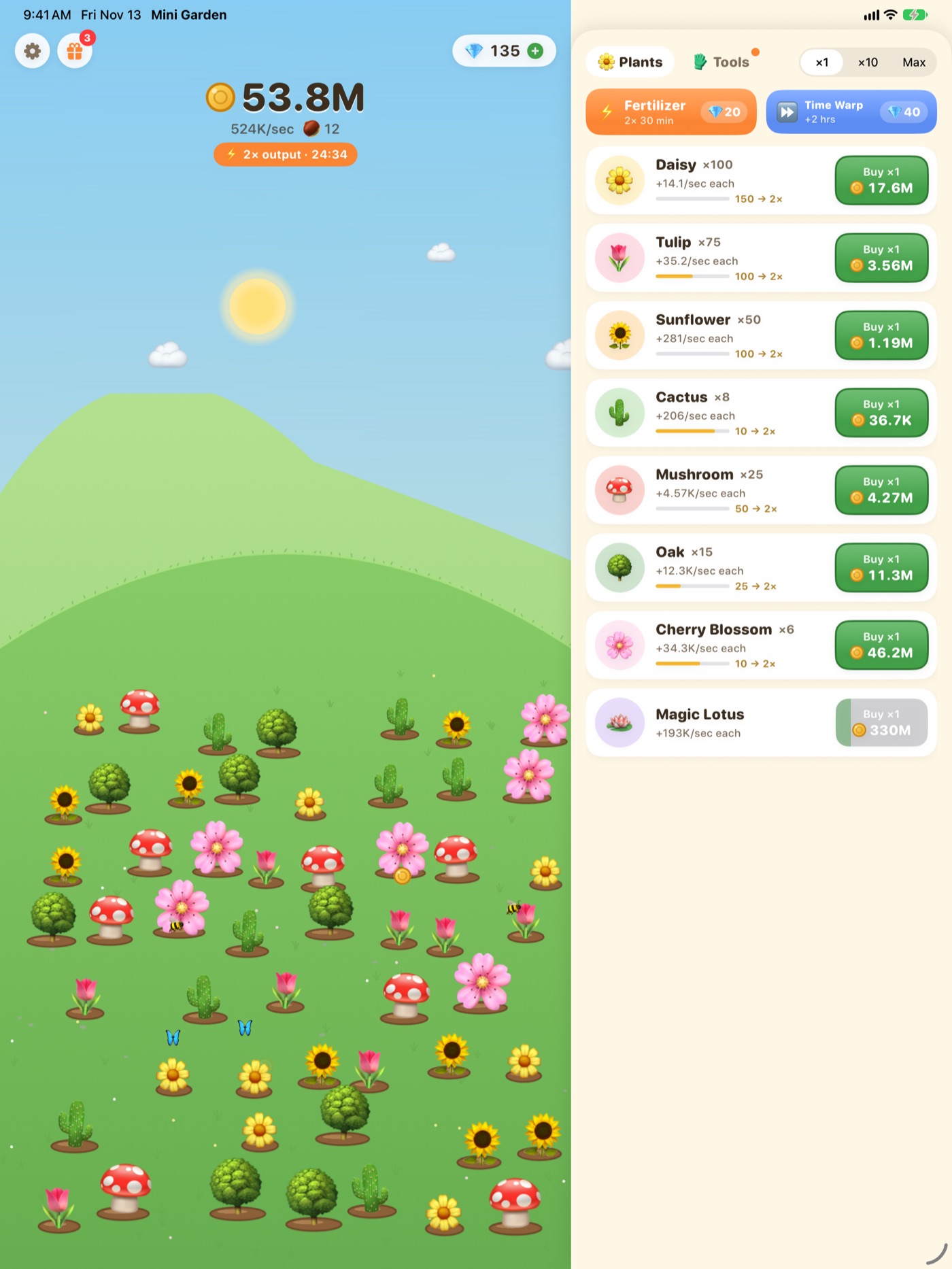
A tiny garden that grows while you're away.
Plant flowers, collect coins and watch your hill fill up, even when the game is closed. A calm idle game for iPhone and iPad.
- Free
- No ads
- No account needed
How it grows
Plant once. Come back to more.
-
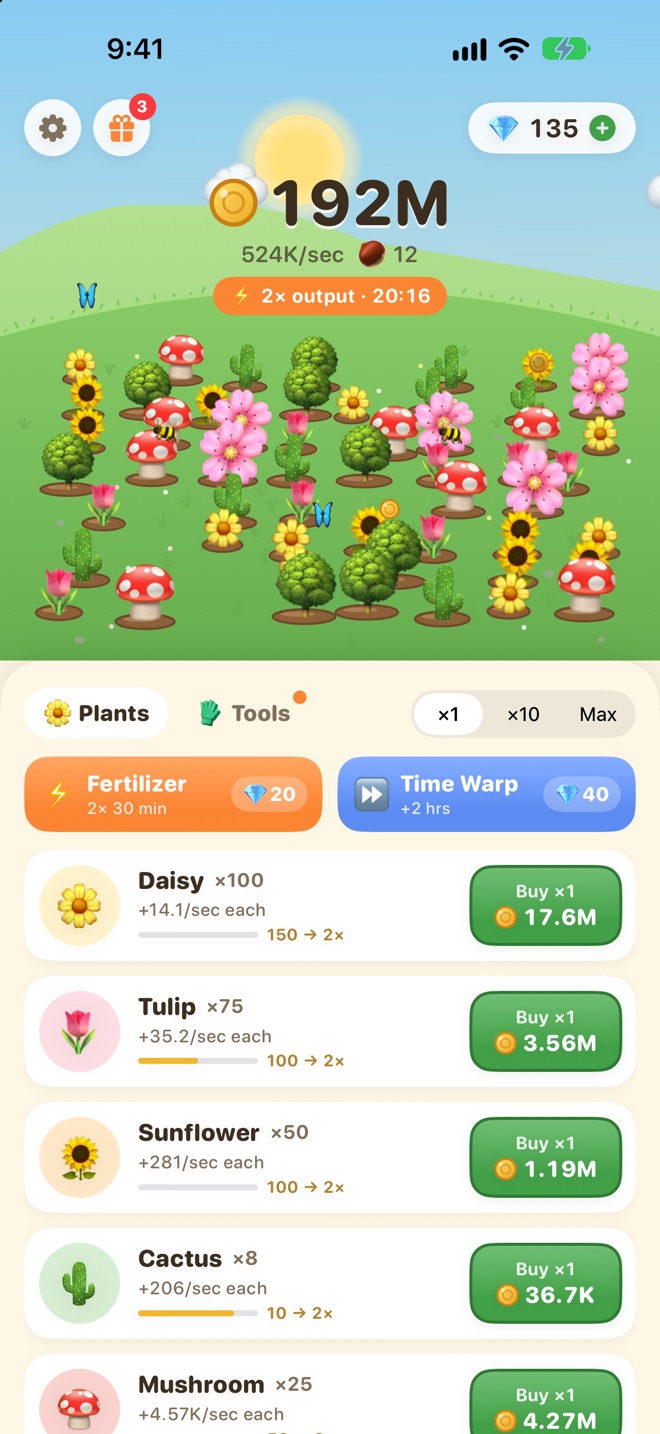
Tap and plant
Tap your garden to earn coins, then spend them on new flowers. Every plant makes coins on its own.
-
It keeps growing without you
Close the game and your garden keeps working for up to 2 hours (12 hours with the Golden Watering Can). Collect it all when you're back.
-
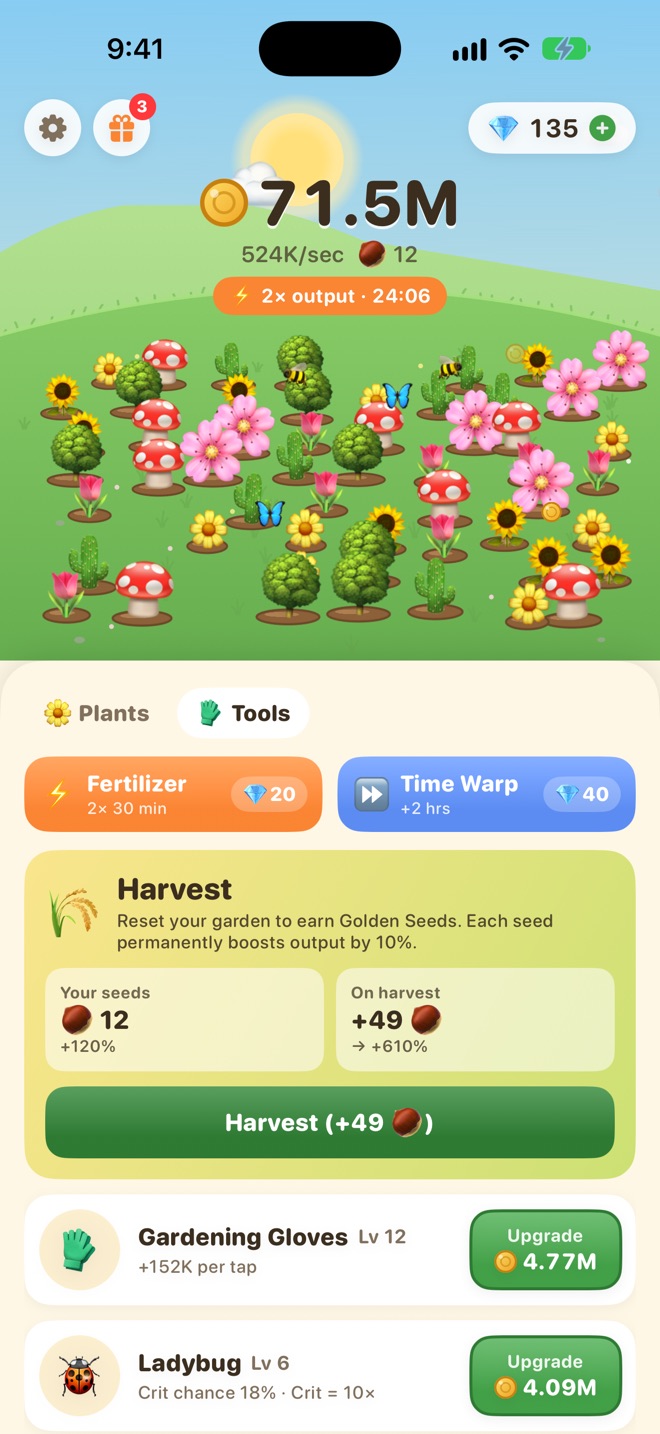
Harvest for Golden Seeds
Reset your garden to earn Golden Seeds. Each one permanently boosts output by 10%, so every new run grows faster than the last.
8 plants
From a single Daisy to the Magic Lotus.
- DaisyFirst plant
- Tulip
- Sunflower
- Cactus
- Mushroom
- Oak
- Cherry Blossom
- Magic LotusThe rarest
Grow a big patch and it pays off: owning 102550100 of one plant doubles that plant's output each time.
A living garden
It runs on your clock.
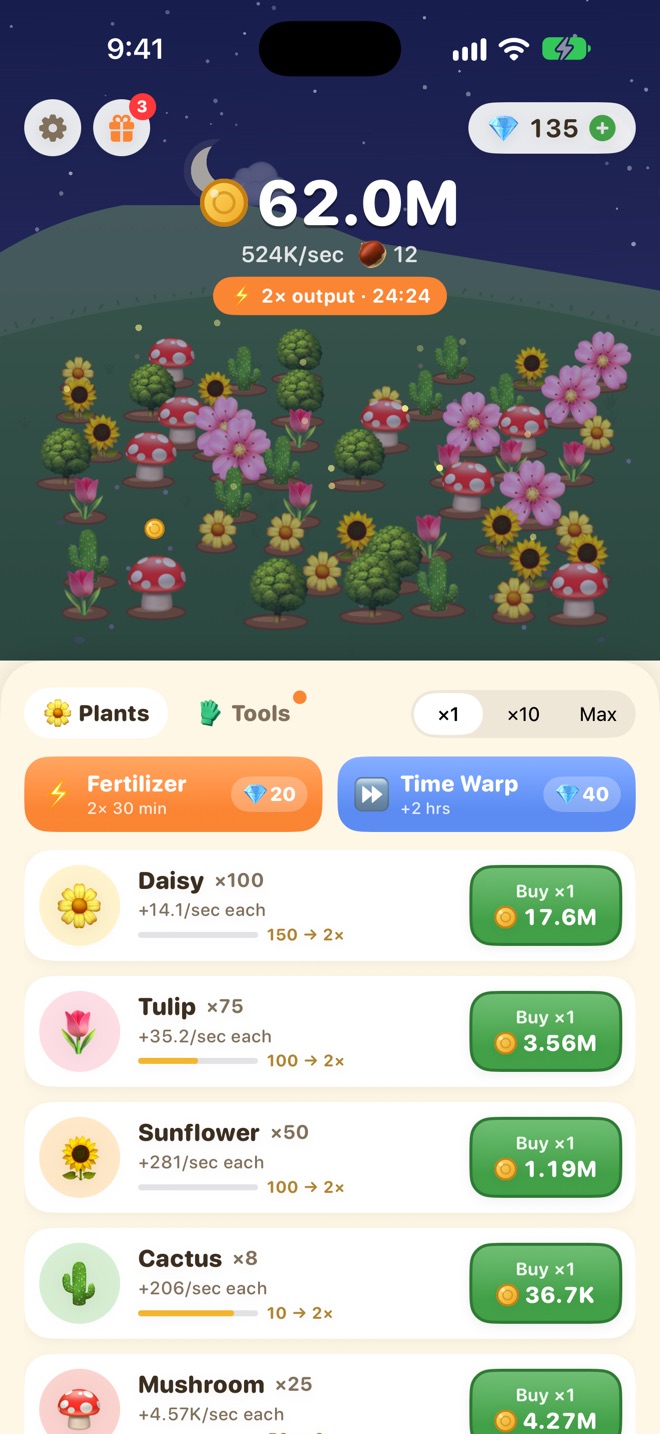
The sky follows your real time of day. Butterflies and bees drift by in the afternoon; at night the stars come out and fireflies light up the grass.
Something every day
A small reason to come back.
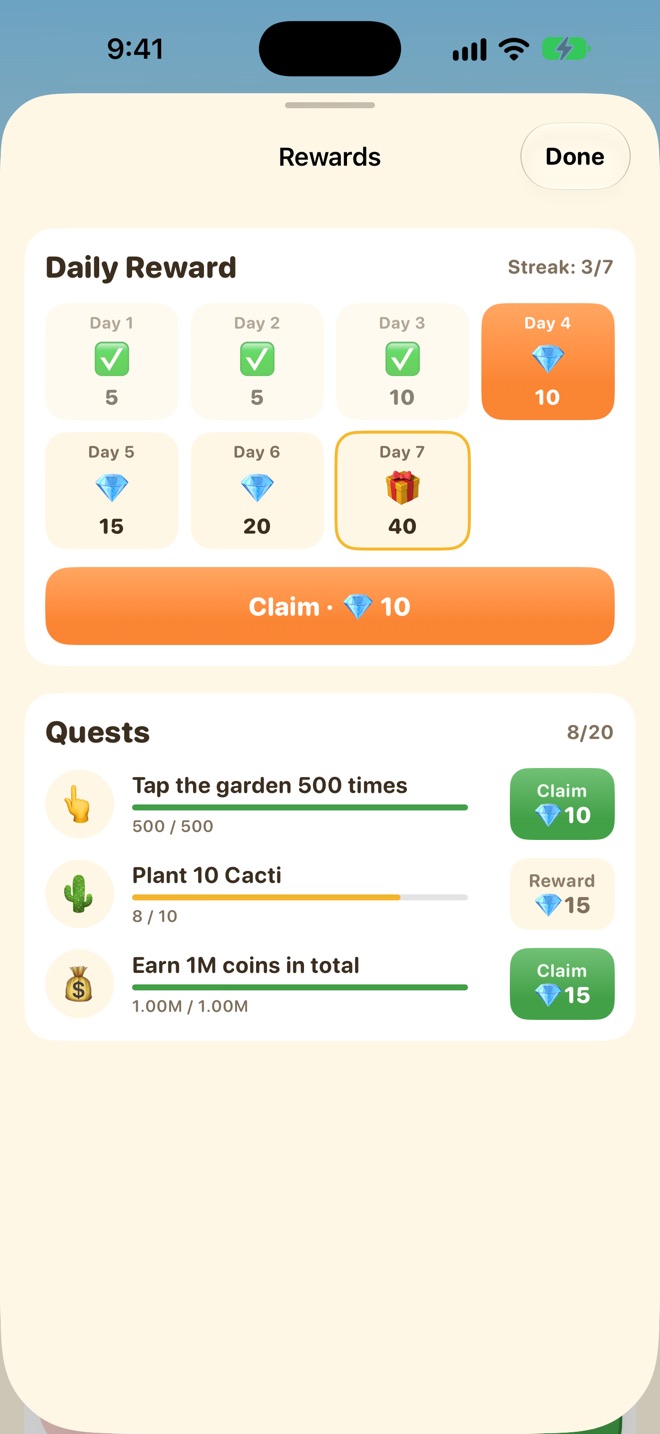
Claim a gift every day for a 7-day streak, and work through 20 quests at your own pace. Both pay out gems.
Spend gems on Fertilizer (2× output for 30 minutes) or Time Warp (two hours of growth, instantly). Or save them; nothing expires.
The fine print, up front
Made for a quiet five minutes.
-
No ads
Not a banner, not a video. Ever.
-
No account
Open it and play. Nothing to sign up for.
-
No data collected
Your progress stays on your device. Privacy policy
-
Plays offline
No internet needed, except to make a purchase.
iPhone and iPad
Room for a bigger garden.
On iPad, your garden and your plant list sit side by side, so you can watch it grow while you shop for the next flower.
Requires iOS 18 or iPadOS 18 or later.